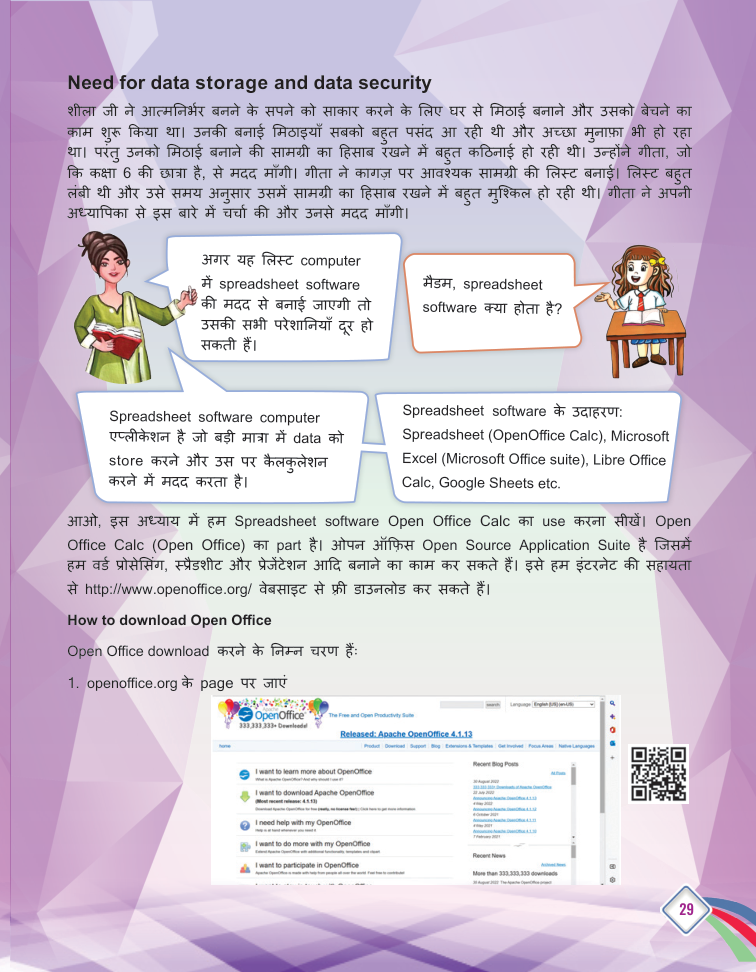
Data Representation and Processing - 01 (SpreadSheet) - page from the textbook
Back to Class
2

Data Representation and Processing - 01 (SpreadSheet)

25-53 • Source: SCERT Delhi ICT Textbook, Revised Edition 2026 3 Fun Facts
10 min read

The field guide

Understand it. Try it. Remember it.

A spreadsheet turns a list of facts into a working model. Learn how rows, columns and cell references keep information organized, then use formulas and charts to answer questions about the data.

Textbook reference: pages 25-53

01
Organize
Calculate
03
Explain
Concept mapFollow the pathData Representation and Processing - 01 (SpreadSheet): Organize, Calculate, Explain

In this lesson

01

What is Spreadsheet Software?

Definition

Definition: Spreadsheet software is a computer application that helps store large amounts of data and perform calculations on it.

Examples

  • Microsoft Excel, LibreOffice Calc, Google Sheets.
02

Rows, Columns and Cells

  1. 1

    Row: Runs horizontally (side by side).

  2. 2

    Column: Runs vertically (up and down).

  3. 3

    Cell: The box where a row and a column meet.

  4. 4

    Cell address: Formed by the column name and row name - e.g. A1 is the active cell's address.

03

Workbook and Worksheet

  1. 1

    Worksheet: A single page of the spreadsheet where data is stored.

  2. 2

    Workbook: A collection of worksheets - a new workbook opens with three worksheets by default.

04

Inserting and Deleting Rows/Columns

Insert a column

  1. 1

    Step 1: Select a cell in the worksheet.

  2. 2

    Step 2: Select the Insert menu and click Column.

  3. 3

    Step 3: A new column is inserted to the left of the selected cell.

  • Insert a row the same way - a new row appears above the selected one.
  • Deleting removes the entire row/column with its data.
  • In the book's activity, planets were stored with a 'Distance' column - closest planet = 1, farthest = 8.
05

Basic Functions

  1. 1

    sum: Adds all the values.

  2. 2

    min / max: Smallest / largest value.

  3. 3

    count: Counts the number of values.

  4. 4

    average: The mean of the values.

Your turn

Try a quick challenge

Make a three-row table of items you borrowed. Add a total or count formula and choose a chart only if it answers a question.

Quick Revision

  • Spreadsheet: stores data and does calculations.
  • Cell: meeting point of a row and column.
  • Cell address: column name + row name (A1).
  • Workbook: collection of worksheets.
  • sum/min/max/count/average: basic functions.

Conclusion: Spreadsheets keep lists tidy and calculate for us - from planets and moons to marks and money.

Keep in mind

Quick recap

  • A cell is named by its column letter and row number.
  • Formulas begin with = and can refer to cells or ranges.
  • Choose a chart that makes the pattern easier to understand.

Key Terms

Spreadsheet

स्प्रेडशीट

Cell

सेल

Row

पंक्ति

Column

स्तंभ

Formula

सूत्र

Function

फलन